

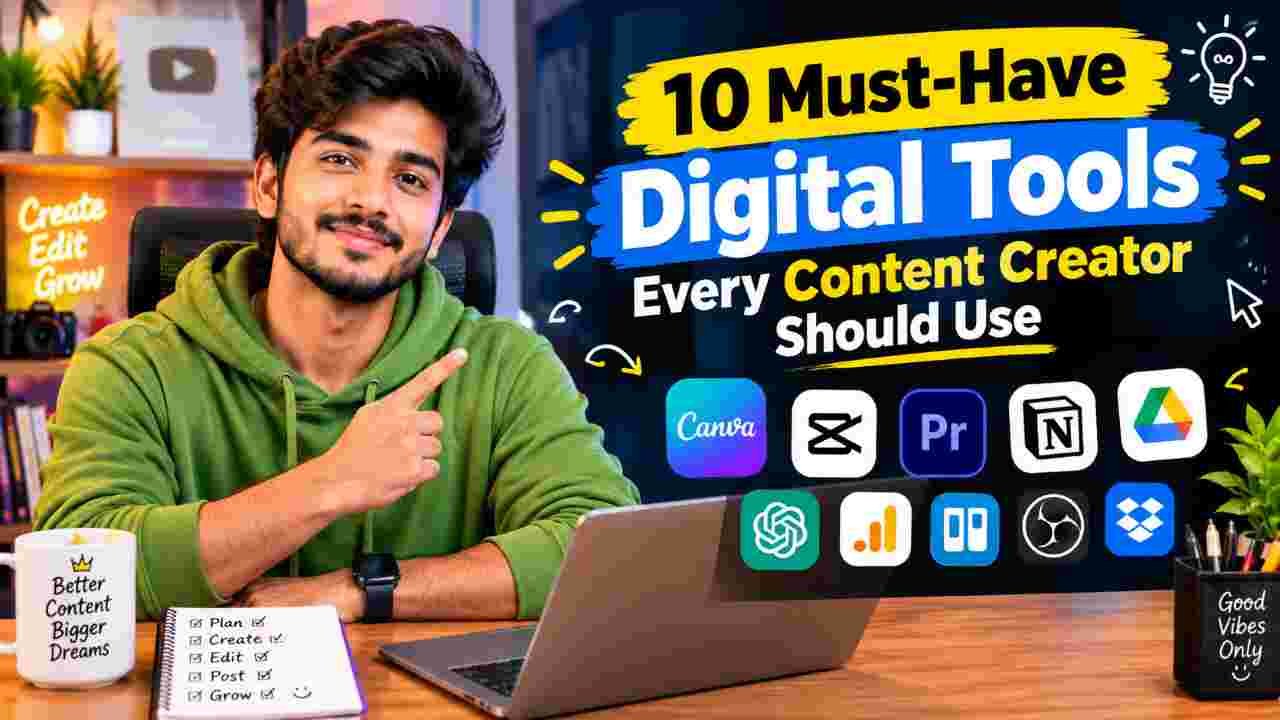
Creating content consistently is hard enough. Doing it without the right tools makes it unnecessarily exhausting. In 2026 the best digital tools do not replace creativity — they remove the friction that slows creators down: blank-page paralysis, endless editing, inconsistent design, and the constant juggling of platforms.
The tools below are the ones that appear most often in real creator workflows. They cover ideation, writing, design, video, repurposing, organization, and distribution. You do not need all ten on day one. Start with the ones that solve your biggest current bottleneck.
1. ChatGPT (or Claude)
The everyday thinking partner for most creators.
Use it to brainstorm ideas, write scripts, craft captions, outline long-form posts, generate hooks, and rewrite drafts. Claude often edges ahead for longer, more nuanced writing, while ChatGPT remains the most versatile all-rounder. The free tiers are usable; the paid plans (around $20/month) become worthwhile once you rely on them daily.
2. Canva (with Magic Studio)
The design tool that almost every creator ends up using.
Thumbnails, carousels, stories, Reels covers, YouTube end screens, lead magnets, and branded graphics all live here. The template library plus AI features (background removal, Magic Design, Magic Write) let non-designers produce polished work quickly. Free is already strong; Pro unlocks the Brand Kit and higher-quality assets that keep everything consistent.
3. CapCut
The dominant short-form video editor for TikTok, Instagram Reels, and YouTube Shorts.
Fast templates, reliable auto-captions, trending effects, background removal, and easy mobile-to-desktop workflows make it the default choice for vertical content. The free version is genuinely capable for most creators. Many people never need to upgrade.
4. Descript
Game-changing for anyone who records talking-head videos or podcasts.
You edit the video by editing the transcript. Remove filler words, cut silences, clean audio, and generate captions without wrestling a traditional timeline. It also handles basic multi-track work and export options. Ideal for creators who want professional results without becoming full-time editors.
5. Opus Clip
The fastest way to turn long-form videos or podcasts into short clips.
Upload a longer piece and the AI finds the strongest moments, reframes them for vertical, adds captions, and ranks them by potential performance. This single tool has saved countless creators hours of manual clipping every week.
6. Notion
The quiet backbone of many creator systems.
Content calendars, idea databases, script libraries, client trackers, and knowledge bases all live in one place. The free plan is powerful enough for most solo creators. Once set up properly, it becomes the single source of truth for what you plan to make and what you have already published.
7. Buffer (or Later)
Simple, reliable social scheduling across platforms.
Plan posts in advance, maintain a consistent presence, and free mental space for creation instead of constant publishing. Buffer’s free tier covers basic needs; paid plans add more channels and analytics. Later is a strong alternative if you prefer a visual calendar, especially for Instagram-heavy workflows.
8. ElevenLabs
High-quality AI voice generation and cloning.
Useful for voiceovers, multilingual versions, audiograms, and faceless content. The quality has reached a point where many creators use it for production without it sounding robotic. Free credits exist; paid plans unlock higher limits and better models.
9. Midjourney (or comparable AI image tool)
When you need custom visuals that stock photos cannot deliver.
Thumbnails, concept art, mood boards, and unique graphics benefit from strong AI image generation. Midjourney remains a favorite for quality, though tools inside Canva or ChatGPT’s image features cover lighter needs for many people.
10. Riverside (or similar remote recording tool)
Clean, high-quality remote recording for interviews, podcasts, and collaborations.
Local recording on each participant’s device plus easy cloud backup produces better audio and video than most standard video-call tools. Essential once you start featuring guests regularly.
How to Build Your Stack Without Overwhelm
Most successful creators do not use every tool at full capacity. A practical approach:
- Start with ChatGPT + Canva + CapCut (covers ideation, design, and short-form video).
- Add Descript or Opus Clip when long-form or repurposing becomes a regular need.
- Introduce Notion and a scheduler once volume increases and organization starts to slip.
- Layer in specialized tools (voice, advanced images, remote recording) only when the specific problem appears.
The goal is not a large collection of subscriptions. The goal is a small set of tools that remove friction so you can create more consistently and with less stress.
Frequently Asked Questions
Do I need paid plans for all of these?
No. Strong free tiers exist for CapCut, Canva, ChatGPT, Notion, and Buffer. Many creators run effectively for months on free or low-cost combinations before upgrading.
What is the most important tool for a complete beginner?
ChatGPT for ideas and scripts, Canva for visuals, and CapCut for short video. Master those three first.
Are these tools still relevant if I mainly create for one platform?
Yes. The core needs — writing, design, editing, and organization — remain the same whether you focus on YouTube, TikTok, Instagram, or a newsletter.
How much should a solo creator expect to spend monthly?
A solid working stack often lands between $30 and $80 once you move past free tiers. Consolidated choices keep costs reasonable.
Will AI tools replace the need for skill?
They accelerate production and reduce repetitive work. Taste, strategy, consistency, and authentic voice still determine results.
The best tools disappear into your workflow. When that happens, you spend less time fighting software and more time making the content that actually grows your audience.