

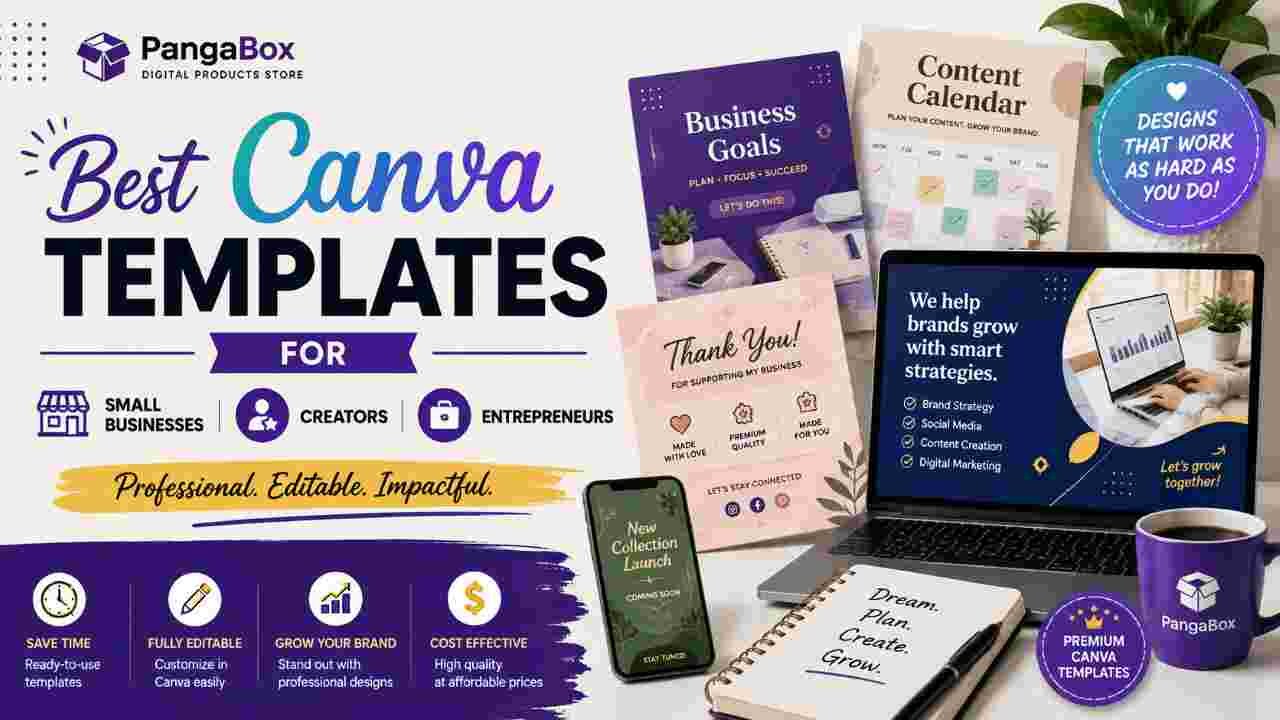
Running a small business, building a personal brand, or creating content consistently demands professional visuals. Most people do not have the time or design skills to start from a blank page every single day. That is exactly why well-chosen Canva templates have become essential tools in 2026.
The right templates do more than make things look good. They create visual consistency, save hours every week, and help you show up as polished and trustworthy without hiring a designer for every post, proposal, or presentation.
Here are the most useful Canva template categories for small businesses, creators, and entrepreneurs right now — ranked by real-world impact.
1. Social Media Content Templates (The Highest Everyday Value)
This is the category most people start with, and for good reason. Instagram carousels, story sets, Reel covers, LinkedIn posts, and Pinterest pins remain the highest-demand formats.
Why they matter:
Consistent posting is non-negotiable for visibility, yet designing every graphic from scratch drains time. A strong template pack with matching styles across posts, stories, and carousels lets you produce a week of content in a single focused session. Carousels in particular continue to outperform single images on Instagram for saves and engagement.
Look for packs that include multiple sizes and clean, modern layouts that adapt easily to your brand colors and fonts.
2. Branding Kits and Brand Guidelines Templates
A complete branding kit usually includes logo variations, color palette, font pairings, social media profile sets, business cards, and email signature templates.
Why they matter:
Inconsistent branding makes a business look amateur. A solid Canva brand kit locks in your visual identity so every piece of content — from a quick Instagram story to a client proposal — feels like it belongs to the same brand. Once set up with your logo and colors, new designs take minutes instead of hours.
This is especially powerful for solopreneurs and small teams who cannot afford ongoing design support.
3. Pitch Decks and Presentation Templates
Professional pitch decks, client proposal templates, and webinar slide decks remain high-value tools for entrepreneurs and service-based businesses.
Why they matter:
First impressions in sales and fundraising still happen through slides. A clean, well-structured template helps you focus on your message instead of struggling with layout and formatting. Many templates now include modern data visualization elements and space for case studies or testimonials.
These templates often pay for themselves the first time they help you close a client or present more confidently.
4. Lead Magnet and Freebie Templates
Checklists, workbooks, mini-guides, and opt-in PDF templates designed for email list growth.
Why they matter:
Creators and coaches rely on free resources to attract subscribers. A professionally designed lead magnet converts better than a plain Google Doc. Canva makes it easy to create multi-page, branded PDFs that look premium while remaining fully editable.
Pair these with matching social media announcement graphics for a complete campaign system.
5. Media Kit Templates
One-page or multi-page media kits that showcase audience metrics, past collaborations, rates, and brand values.
Why they matter:
Creators who want brand partnerships need a clean way to present their value. A strong media kit template removes the intimidation of designing one from scratch and helps you look established even if you are just getting started with sponsorships.
6. Business Essentials: Invoices, Proposals, and Business Cards
Simple but frequently used templates for invoices, service proposals, price lists, and business cards.
Why they matter:
These documents get used repeatedly. Having professional, on-brand versions ready means you never send a generic template again. It also reinforces your brand in every client interaction.
7. YouTube Thumbnails and Channel Art
High-contrast, clickable thumbnail templates and matching channel banners.
Why they matter:
YouTube remains a major platform for creators and many small businesses. Strong thumbnails directly affect click-through rates. Templates that are easy to customize with bold text and clear focal points save significant time while improving results.
How to Get the Most from Canva Templates
- Set up your Brand Kit first (logo, colors, fonts). This makes every future template faster to customize.
- Duplicate a master template and create variations rather than starting over each time.
- Use Magic Resize (available on Pro) to adapt one design across multiple platforms quickly.
- Keep a small library of 8–12 core templates you actually use instead of collecting dozens you never open.
- Update templates occasionally so your content does not start looking dated.
Free vs Pro Templates
Canva’s free library is already strong and usable for many everyday needs. Pro unlocks higher-quality premium templates, the full Brand Kit, background remover, and Magic Studio AI tools. For anyone designing regularly, Pro usually pays for itself quickly through time saved.
Frequently Asked Questions
Which Canva templates save the most time for small businesses?
Social media packs and branding kits deliver the biggest weekly time savings because those needs are constant.
Do I need Canva Pro to use good templates?
No. Many excellent free templates exist. Pro becomes worthwhile once you design several times per week or want tighter brand control and AI features.
Can I sell the templates I customize?
You can sell original designs you create in Canva, but you cannot simply resell Canva’s existing templates or raw elements as your own products. Always create something new.
How many templates should I keep in my library?
Most people perform better with a focused set of 8–15 high-quality, regularly used templates rather than hundreds of unused ones.
Are Canva templates good enough for professional client work?
Yes, when customized properly with your brand elements. Many freelancers, coaches, and agencies use Canva templates daily for client-facing materials.
Final Thoughts
The best Canva templates are not the prettiest ones — they are the ones that remove friction from your weekly workflow. Choose templates that match the content you actually need to produce, set up your brand assets once, and reuse them relentlessly.
When design stops being a bottleneck, you free up energy for the work that truly grows your business or audience. That is the real value of a well-chosen Canva template library in 2026.